Google Merchant Center has a new help page, Connect a service provider to Merchant Center, which The PPC Times detected on November 19, 2026. The page explains that merchants can connect a supported third-party service provider, such as an e-commerce platform or payment service provider, to manage their Universal Commerce Protocol (UCP) integration. According to the page, that integration lets customers buy eligible products directly on Google, including in Google Search (with AI Mode) and Gemini, through a "Buy" button, without the merchant's team writing code. The page does not say when the option became available.
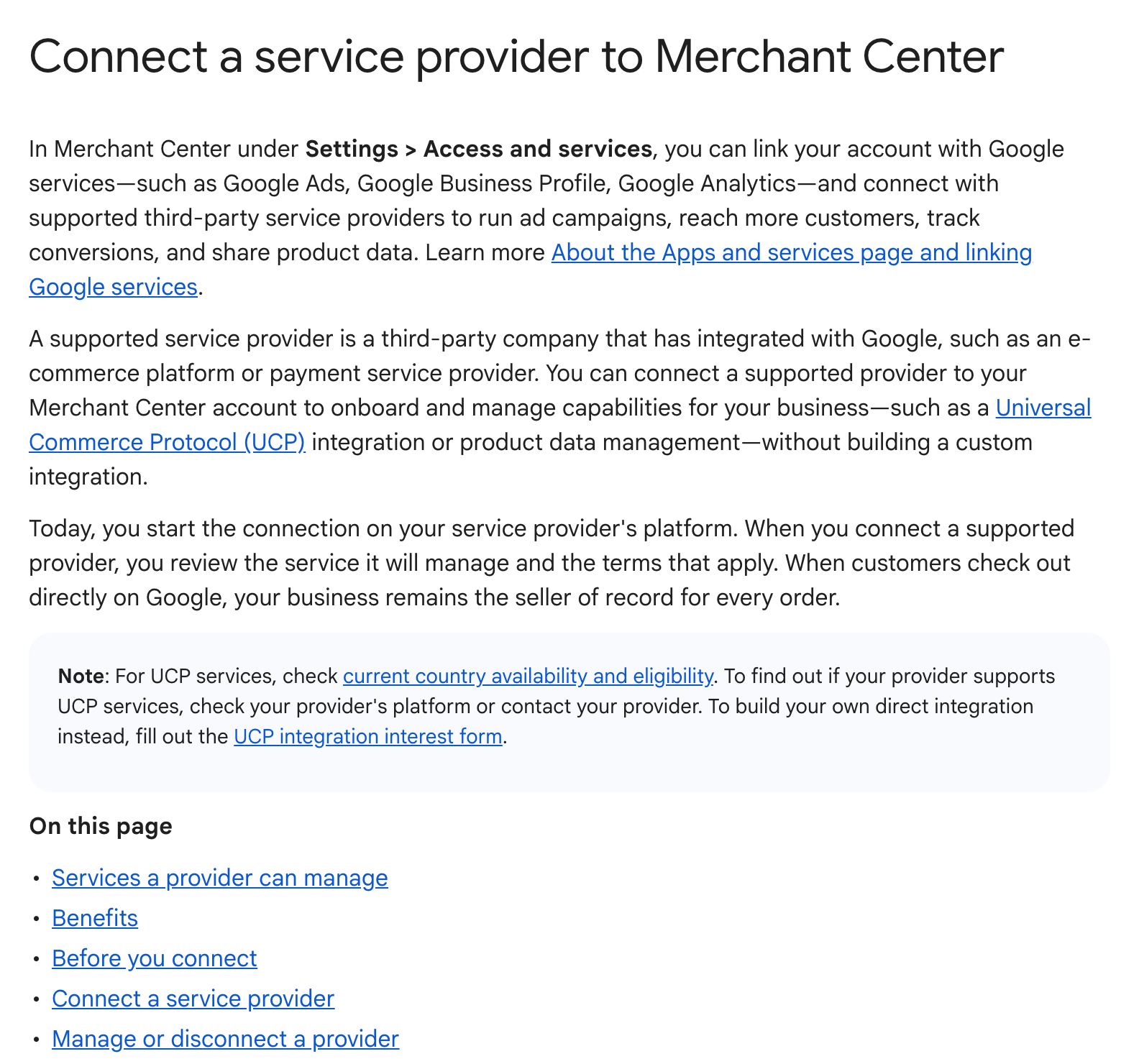
How do you connect a service provider for UCP checkout in Merchant Center?
Merchant Center does not start the connection. The help page says you begin on the provider's platform, which opens a Google connection window. In that window you:
- select your Merchant Center account and select Continue
- read what the provider will manage and review the linked terms
- select Connect, which means you agree to those terms
The page links the Universal Commerce Protocol Checkout Terms of Service, marked US only, and says that a separate Merchant Center terms addendum applies to merchants who connect from Shopify.
Requirements listed on the page:
- direct admin access to the Merchant Center account (standard access, or access only through an advanced account, is not enough)
- an account in good standing
- for advanced (multi-client) accounts, each sub-account is connected separately; the advanced account itself can't be connected
- for UCP services, a return policy and customer support contact details in the account, plus country availability and eligibility
After connecting, the provider appears under Settings > Access and services > Connected services, first as "Pending" while the provider finishes setup, then as "Active". Nothing needs approving inside Merchant Center.
Other details from the page:
- Shopify: eligible Shopify stores may be connected automatically as the UCP provider. The Connected services tab can then show two rows, Shopify for UCP services and the Google & YouTube app for product data. Google warns that selecting Remove access on the Google & YouTube app row disconnects the app and stops product syncing.
- One UCP provider: UCP features can't be split across several providers, but product data can come from a different app or data source.
- Payments and orders: shoppers pay with Google Pay, and the merchant stays the seller of record, handling fulfilment, returns, refunds and customer service.
- Ineligible products: subscriptions, pre-orders, personalised products and digital goods are among those listed as not eligible.
- Checkout can be paused: if the provider's system is down or responds slowly, UCP-powered checkout may be turned off until the issue is fixed.
Why it matters for advertisers
The help page sets out two routes to UCP checkout: a direct integration that the merchant's developers build and maintain, or a provider that has already built it. The platform-managed connection could make checkout on Google reachable for smaller retailers without development resources, especially on Shopify, where the connection may happen without the merchant doing anything.
That has a measurement angle. Purchases completed on Google rather than on the merchant's site may not follow the usual website conversion path, so retailers running Shopping or Performance Max campaigns could see orders arrive through channels their existing tags don't cover. The help page does not address how these orders are reported in Google Ads.
What to do now
- Open Settings > Access and services > Connected services in Merchant Center and check whether a provider is already listed, especially if you sell through Shopify.
- Check that your return policy and customer support details are filled in, since the page lists them as requirements for UCP services.
- Review which of your products fall into ineligible categories such as subscriptions or personalised items.
- If you want to stop UCP checkout on Shopify, do it in the Shopify admin rather than removing the Google & YouTube app, which would stop your product feed.
- Ask your platform whether it supports UCP services and in which countries, as the help page refers you to your provider for this.